

NEWS & UPDATES

Thriving with AI: Two Futures Thinking Tools for Navigating Uncertainty
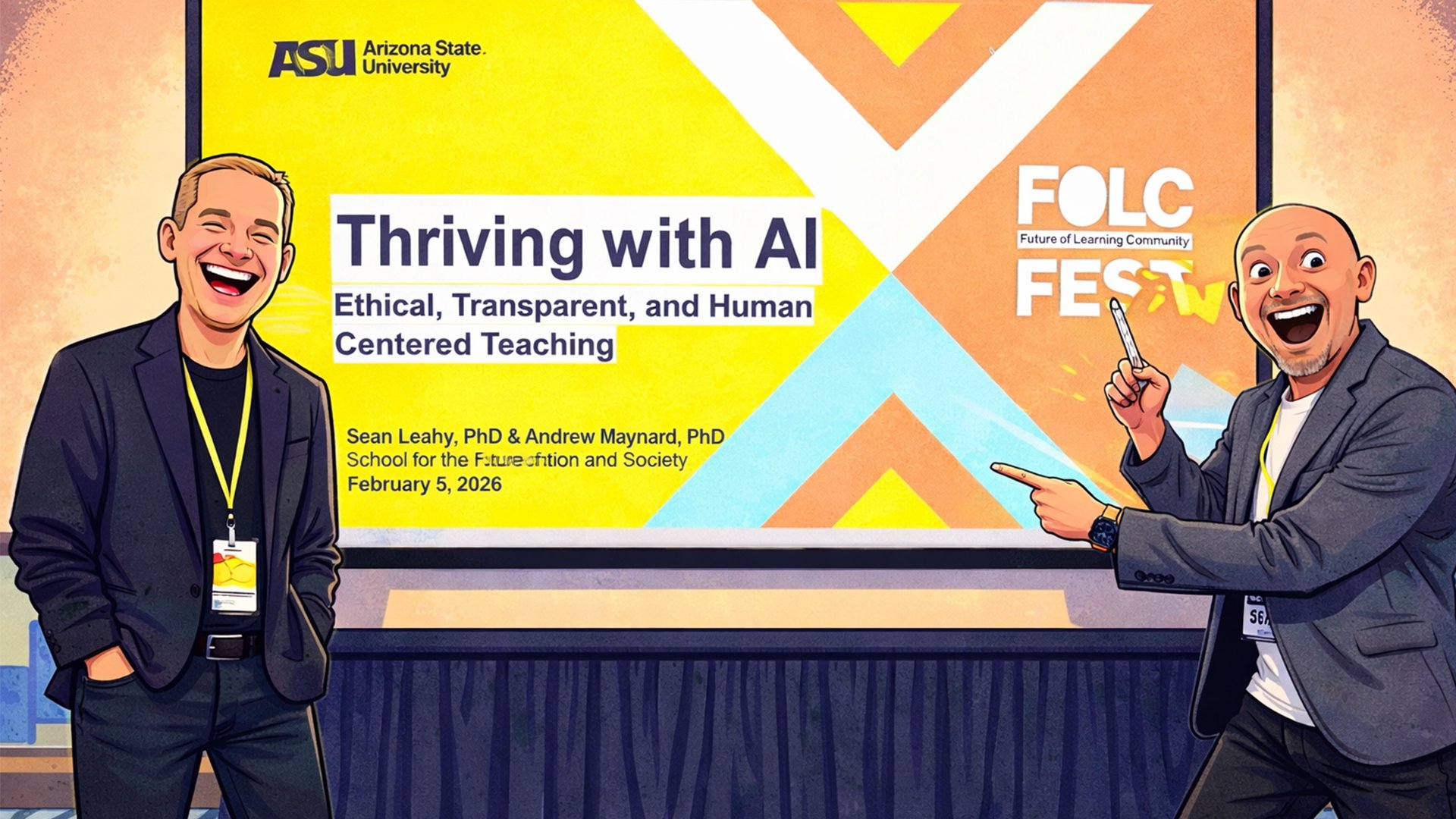
The question is no longer whether AI will reshape education. It already has. The more interesting question — and the harder one — is how educators, leaders, and institutions can navigate that transformation with clarity, purpose, and agency.
In this episode of Modem Futura, hosts Sean Leahy and Andrew Maynard walk listeners through a workshop they developed for ASU's 2026 Folk Fest titled "Thriving with AI: Ethical, Transparent, and Human-Centered Learning." Rather than demonstrating AI platforms or advocating for a particular stance, the session offers two practical thinking tools designed to help individuals make sense of complexity and make intentional decisions — regardless of where they fall on the AI adoption spectrum.
Foresight Methodologies
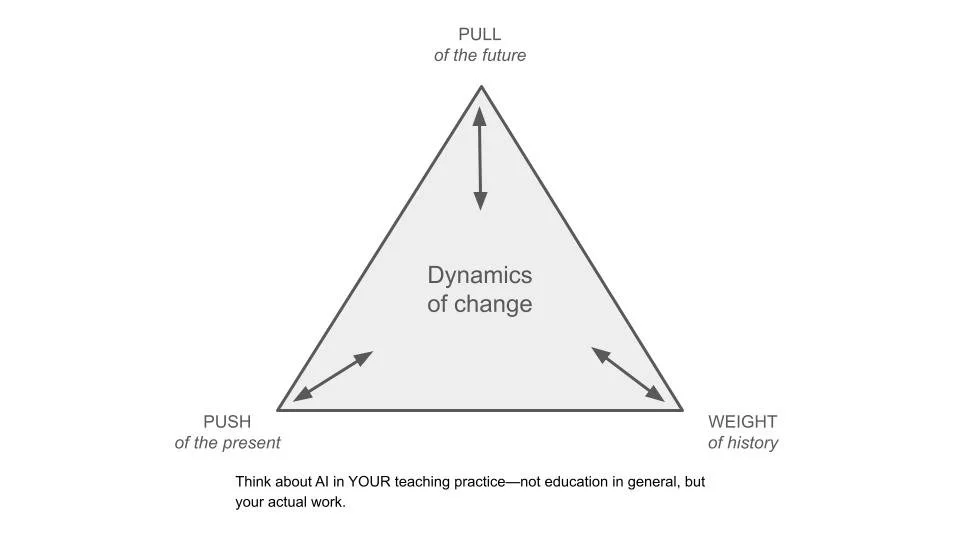
The Futures Triangle, originally developed by futurist Sohail Inayatullah, is a foresight method that maps three forces shaping any change landscape: the pull of the future (emerging visions and possibilities), the push of the present (trends, pressures, and mandates driving change), and the weight of history (the traditions, values, and institutional structures that resist or ground that change). By making these forces visible, individuals and teams can better orient themselves within the dynamics of change rather than simply reacting to them.
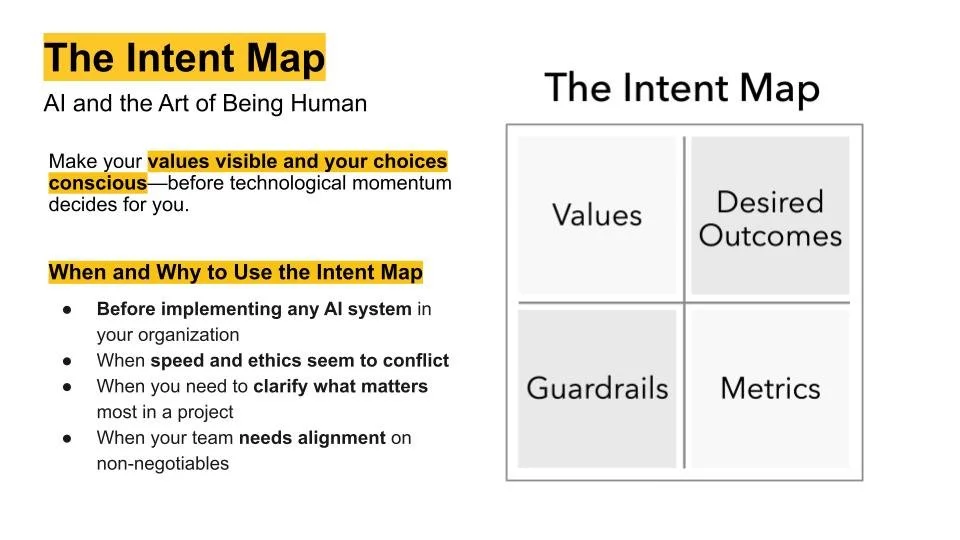
The Intent Map, drawn from Jefferey Abbott and Andrew Maynard's book AI and the Art of Being Human, complements the triangle by shifting from orientation to action. A simple two-by-two matrix, it asks users to identify four elements: their core values (what they won't compromise), their desired outcomes (what success looks like), their guardrails (the hard boundaries they won't cross), and their metrics (how they'll know if it's working). Critically, the framework recognizes that metrics don't have to be numerical — sometimes the most meaningful indicators of success are qualitative, like a student who can't stop thinking about what they learned.
What makes these tools particularly valuable is their accessibility. Both can be sketched on a scrap of paper. Both work for individuals and teams. And both are domain-agnostic — while the episode frames them in the context of education, they apply equally well to organizational strategy, technology adoption, and personal decision-making.
The episode is anchored by two provocative 2035 headlines: one in which AI tutors outperform human teachers and faculty roles come under review, and another in which human-AI partnership produces the most critically thinking generation in history. The question the workshop poses isn't which headline is more likely. It's which one you want — and what intentional choices you need to make to move toward it.
Thriving with AI, as the hosts frame it, isn't about mastering the latest platform. It's about staying awake to what matters.
Subscribe and Connect!
Subscribe to Modem Futura wherever you get your podcasts and connect with us on LinkedIn. Drop a comment, pose a question, or challenge an idea—because the future isn’t something we watch happen, it’s something we build together. The medium may still be the massage, but we all have a hand in shaping how it touches tomorrow.
🎧 Apple Podcast: https://apple.co/3ZXgT2P
🎧 Spotify: https://open.spotify.com/episode/1b1Q0W7YVSGZA2ELYj6g6C?si=wL1sXb-DQsSluBkLYCu9tg
📺 YouTube: https://youtu.be/zi_zvXCt9sY
🌐 Website: https://www.modemfutura.com/

Unlocking Creativity with a Generative AI Workshop

Generative AI Workshop
An exploration of emergent artificial intelligence tools, Spring semester 2023.
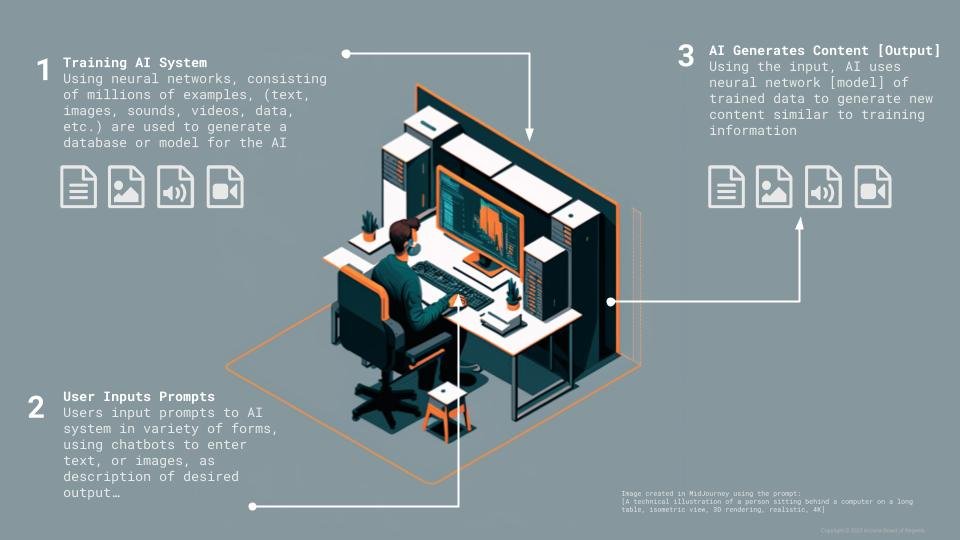
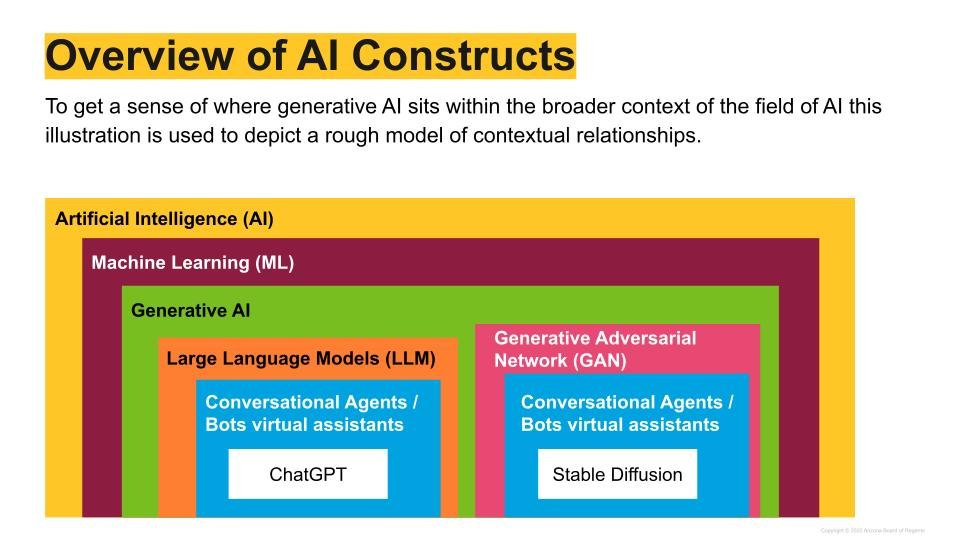
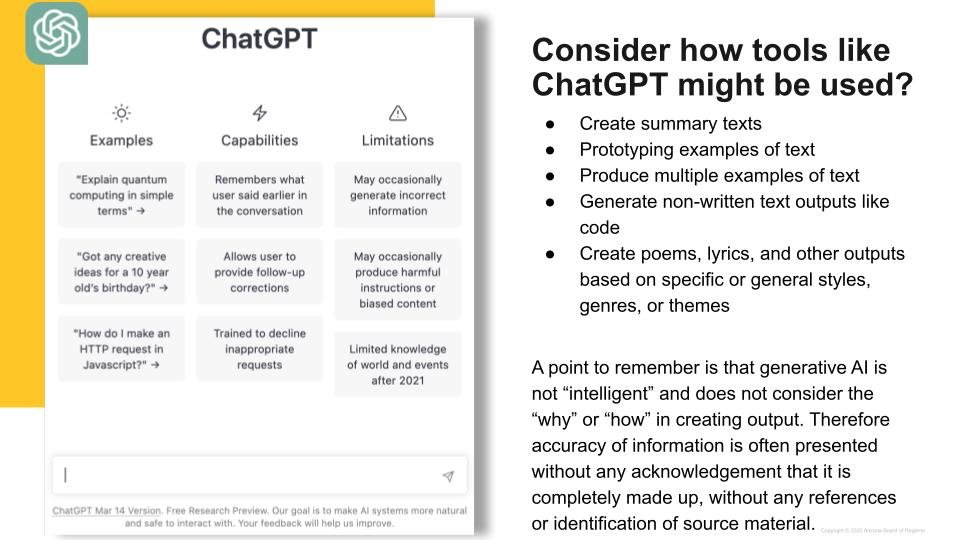
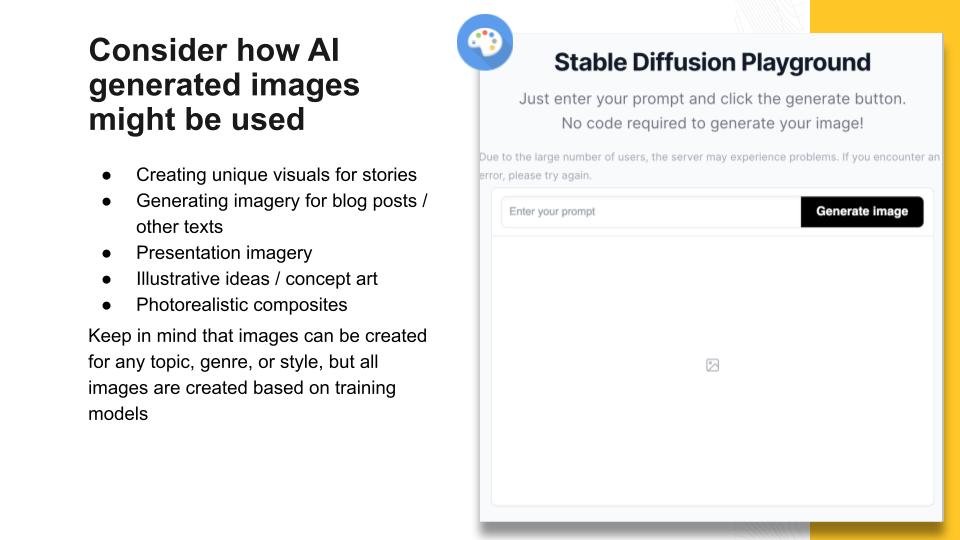
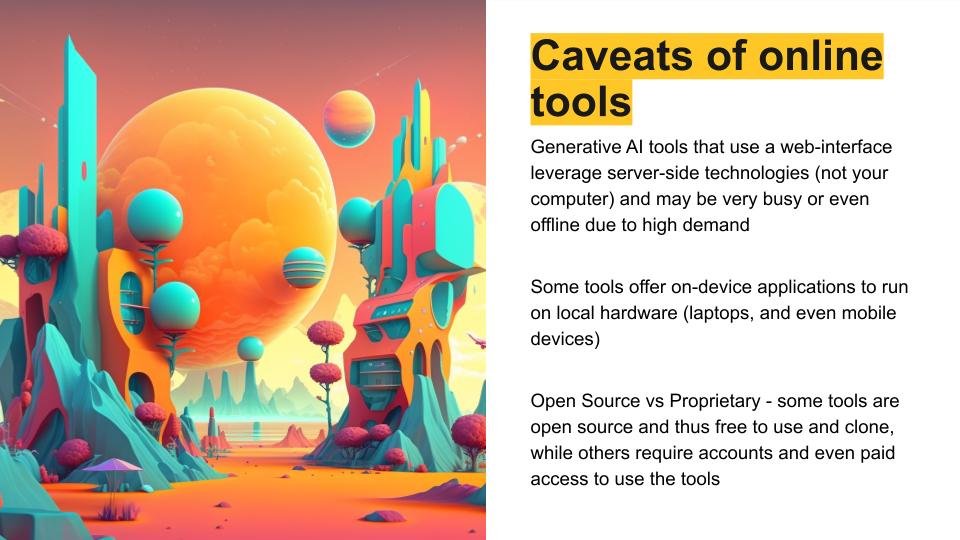
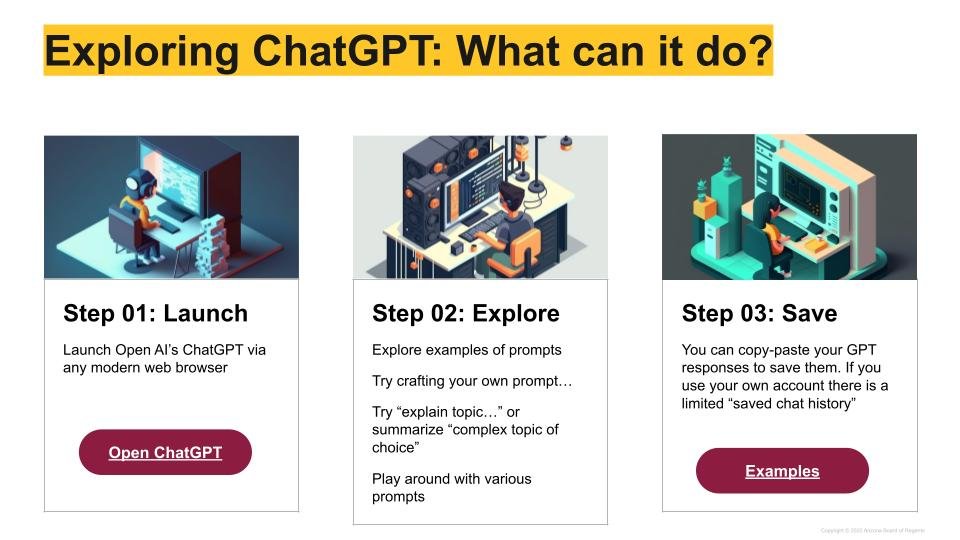
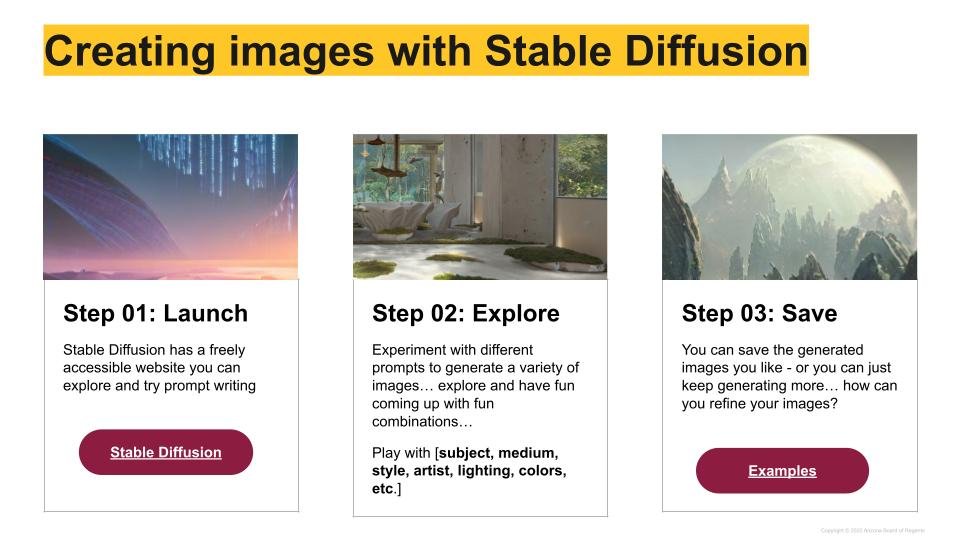
Spring semester 2023 - the one topic that seems inescapable is artificial intelligence (AI) or more specifically the “Cambrian explosion” of generative AI platforms such as ChatGPT, StableDiffusion, Elevenlabs, and MidJourney just to name a few. This increasing awareness and need for exploring and understanding generative AI led to the development of this short introductory workshop offered in the Spring 2023. One of the core tenants of the experience is taking a hands-on approach through a Learn-it, Try-it, and Apply-it model with a short section of reflection.
Goals and Learning Outcomes
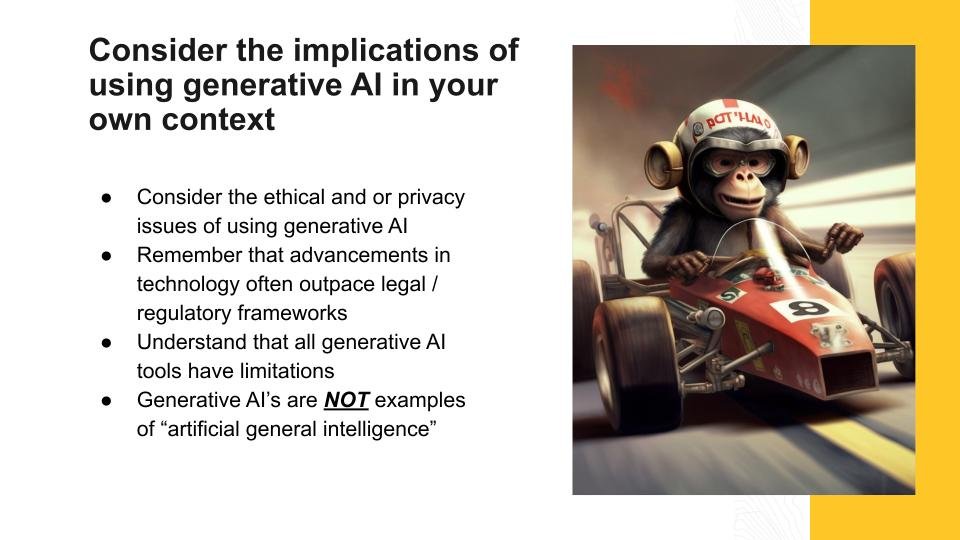
As educators work to familiarize themselves with these new and emergent tools this workshop was designed to foster a positive discourse to encourage a constructive dialogue and atmosphere regarding the integration of Generative AI in educational practices, academic research, and creative endeavors.
Learning Outcomes
High level understanding of fundamental technology behind popular generative AI applications
Discuss experiences and observations of affordances and constraints of generative AI tools
Evaluate potential impact on educational context, and identify areas of need for deeper understanding
Background on the Purpose and Need
As the field of Artificial Intelligence (AI) continues to evolve and grow, there has been an increasing interest in the use of Generative AI in various industries (or perhaps another way to think about this - are there any industries at the moment that is NOT looking into the disruptive potential of generative AI?). In the field of higher education, Generative AI has the potential to revolutionize the way students learn and interact with the world around them. By enabling machines to generate new and unique content, educators can create personalized learning experiences that cater to each student's individual needs. However, with this exciting potential comes a need to understand how this technology actually works, and to evaluate the affordances and constraints it has in each contextual setting. Hosting a workshop for higher education faculty on Generative AI is crucial for ensuring that educators have the skills and knowledge necessary to incorporate this technology into their teaching practices effectively.
Sphero SPRK+ Workshop
Bleep! Bloop-bleep! The electronic sound of robotic language is not only captivating, it can be downright inspiring. Looking a little closer, the actual written language (JavaScript) for the charming little beeps reveals a peak into the power of programmable robots.
Bleep! Bloop-bleep! The electronic sound of robotic language is not only captivating, it can be downright inspiring. Looking a little closer, the actual written language (JavaScript) for the charming little beeps reveals a peak into the power of programmable robots.
async function startProgram() {
await Sound.Effects.BeepSingle.play(true);
await Sound.Effects.BeepDouble.play(false);}
I consider this post to be somewhat of a cross-post with an article I recently published for the #OofSI blog. So let me paraphrase my original article here.
In early November I developed a series (3 to be exact) of mini-technology workshops as part of a workshop series for the Coronado School District in Scottsdale AZ. The workshop consisted of the following technology-centered stations: programmables (robots), digital storytelling, and mobile computing, I wanted to share in more detail the programmables component, because this is the one that included the use of some pretty fun little robots.
Often there seems to be a perception that programmable robots are specifically for "coders" or faculty/students interested solely in computer science, the reality however is that they tend to be very approachable and easy to work with for novice coders and beginners thanks to the great user interfaces developed for the robots.
So what are programmables?
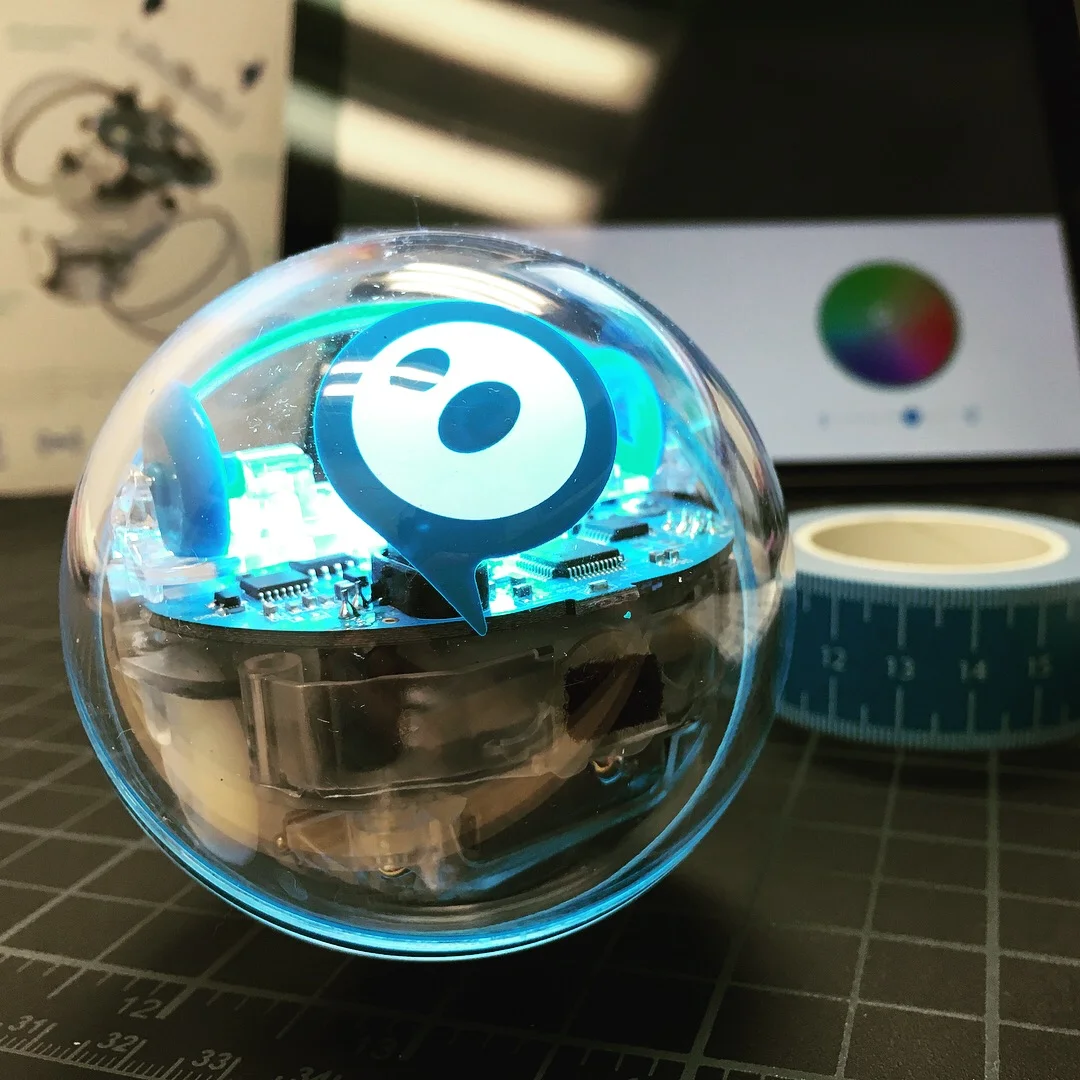
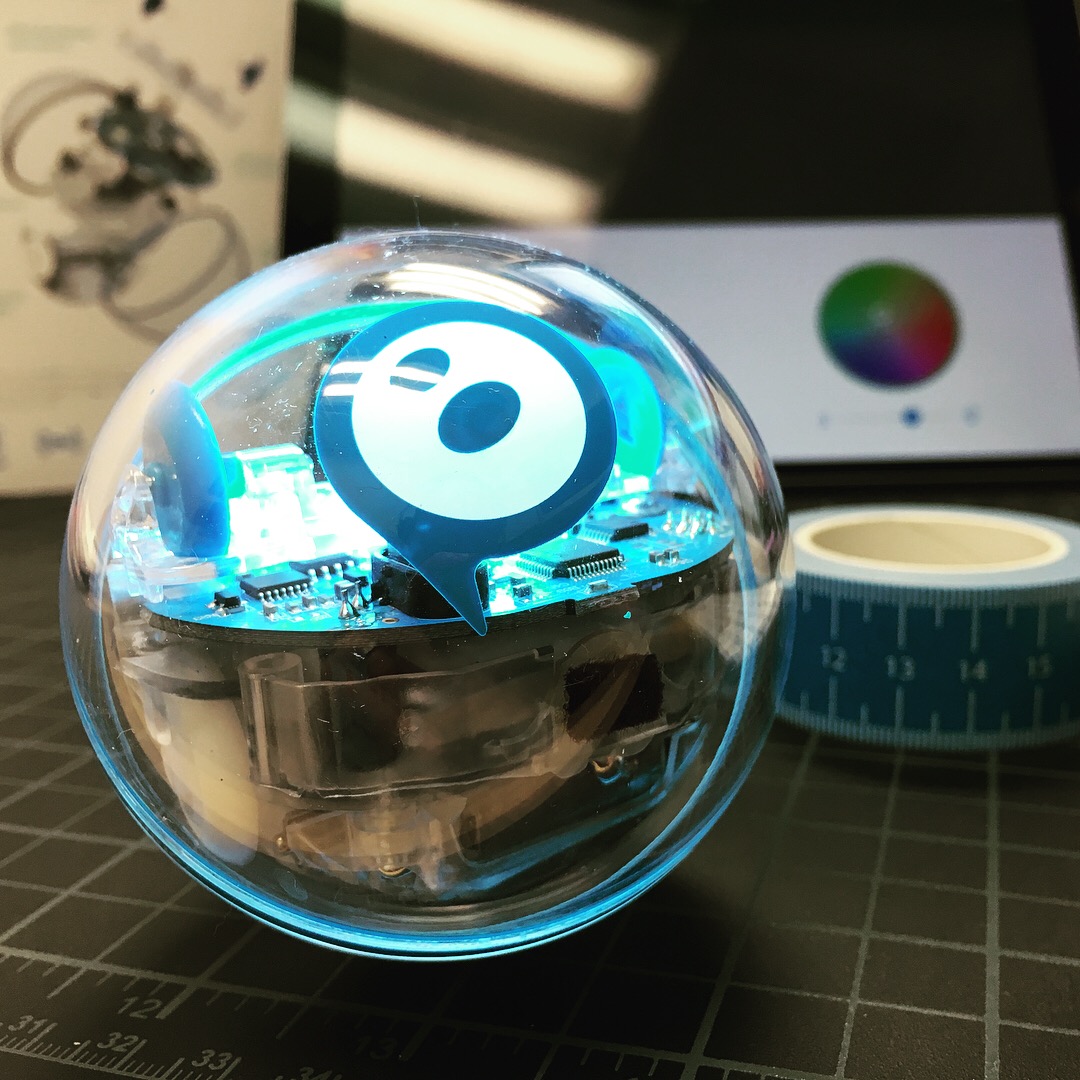
Programmables are a generic term for a category of code-enabled toy robots. For our workshop, we used the Sphero SPRK+ (pronounced “spark”) which is a small clear robotic orb that contains a sophisticated array of gyroscopes, accelerometers, sensors, motors, and lights. The SPRK+ is controlled via Bluetooth connection to an app enabled smartphone or tablet (iOS and Android). The SPRK+ is just one of many examples of programmables. Some others are: Littlebits, OzoBots, and even LEGO Mindstorm / Boost.
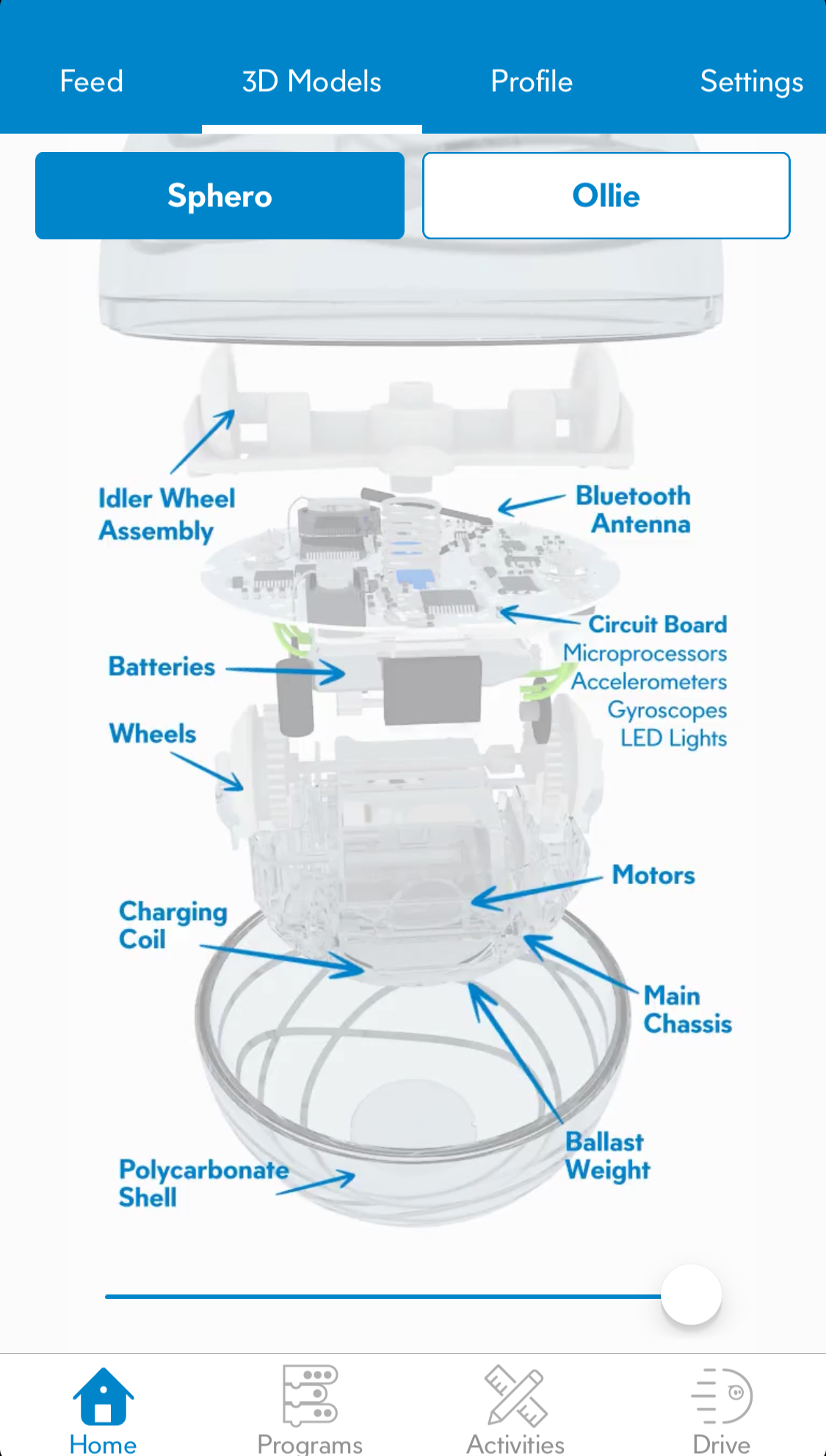
The Sphero SPRK+ is a really accessible robot, and is easily controlled by an app running on iOS or Android mobile devices. Additionally, the team at Sphero have gone above and beyond and developed several apps that you can use for control. The SpheroEDU app is the one I used while developing the workshop, as this app allows you to have access to three programming modes (which I'll touch on in a minute) in addition to a free-drive mode. Sphero has a "fun" or game like app that allows you to explore the robot as a toy with game like features and challenges that encourage you to gain control over your robot.
Looking at the SpheroEDU app - as I mentioned previously it has three programming modes that you can use depending on skill level and exploration. The three modes are defined as drawing, blocks, and text.

The various programming methods allow for varying levels of programming experience and development with the device. Drawing allows a user to draw a “path” on their smartphone grid for the robot to follow. The blocks option (the most powerful visual method for intermediate coders) allows users to program the SPRK+ by dragging visual blocks of code into the program allowing them to reorder, provide attributes and other options to each block of code to create a unique program they can execute on the robot. The most advanced method of control (meant for serious coders) is to control the robot purely through JavaScript.
Using Programmables to Infuse Technology in the Classroom
Whether you are teaching k-12 or higher ed, the use of programmables can be an exciting way to infuse technology into the curriculum and provide a new platform or medium of expression through which students can demonstrate their understanding of core curricular competencies. Due to the variety of skill levels, and access points to these devices they have a large variety of implementation paths.
One of the main aims of the workshop was to challenge the teachers to think how they might use this technology in the classroom to promote critical thinking, computational thinking, storytelling, and meaningful play. It is a given that these tools can be used to teach programming, but the true value of programmables such as this is the ability to be used in transdisciplinary methods that incorporate STEAM activities. A question to leave with, is how would you use this device (or one similar) to create art? Tell a story? Or demonstrate a complex concept such as planetary motion?
Overall the workshop attendees were thrilled to get their hands on these flashy and fun robots and discover the potential of how these deceives could be used across many areas of study. My office will be continuing to develop hands-on workshops in the future as well as build these devices into new Emerging Technology Labs that will be operational on the ASU Campuses this coming spring.
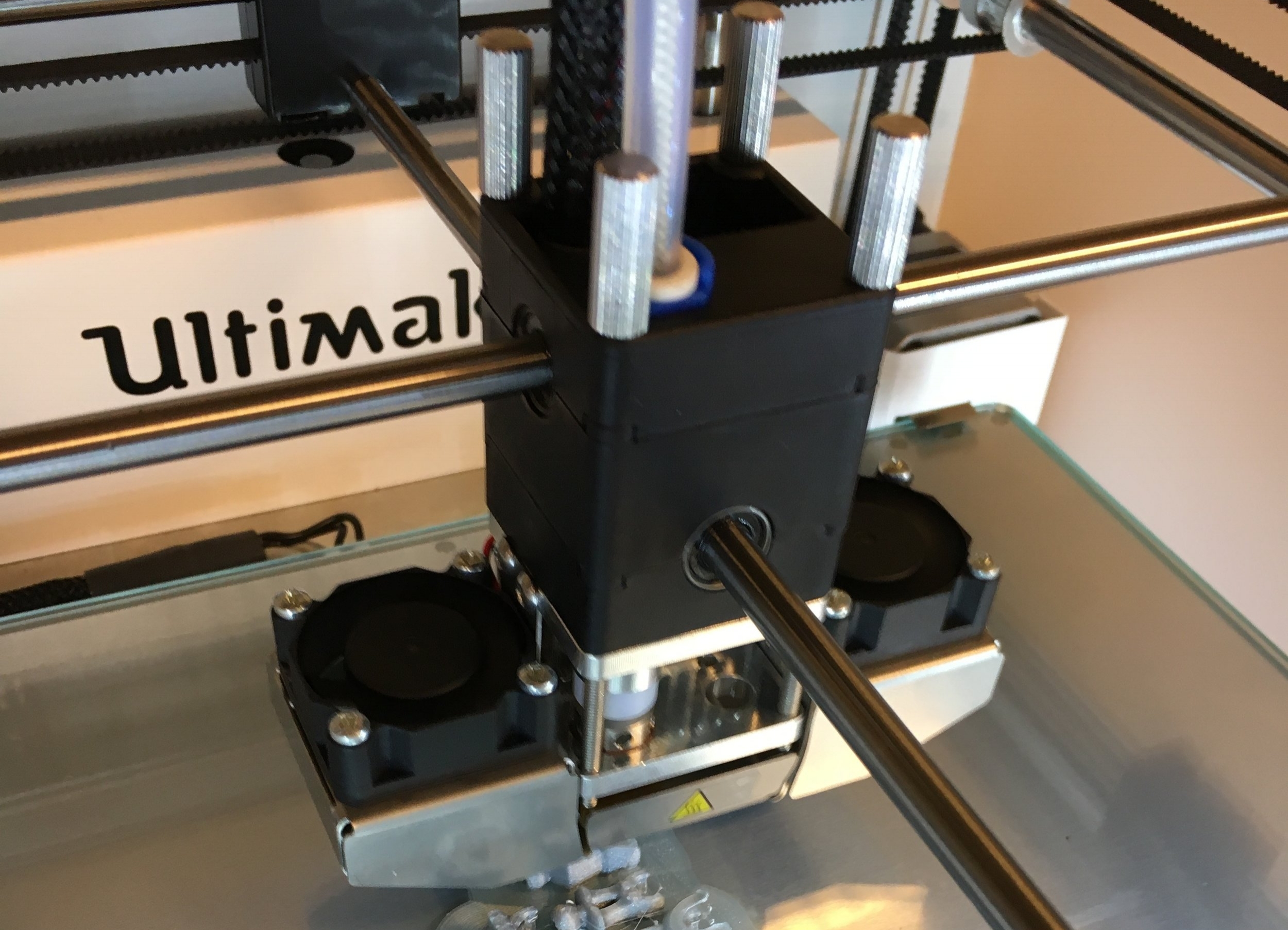
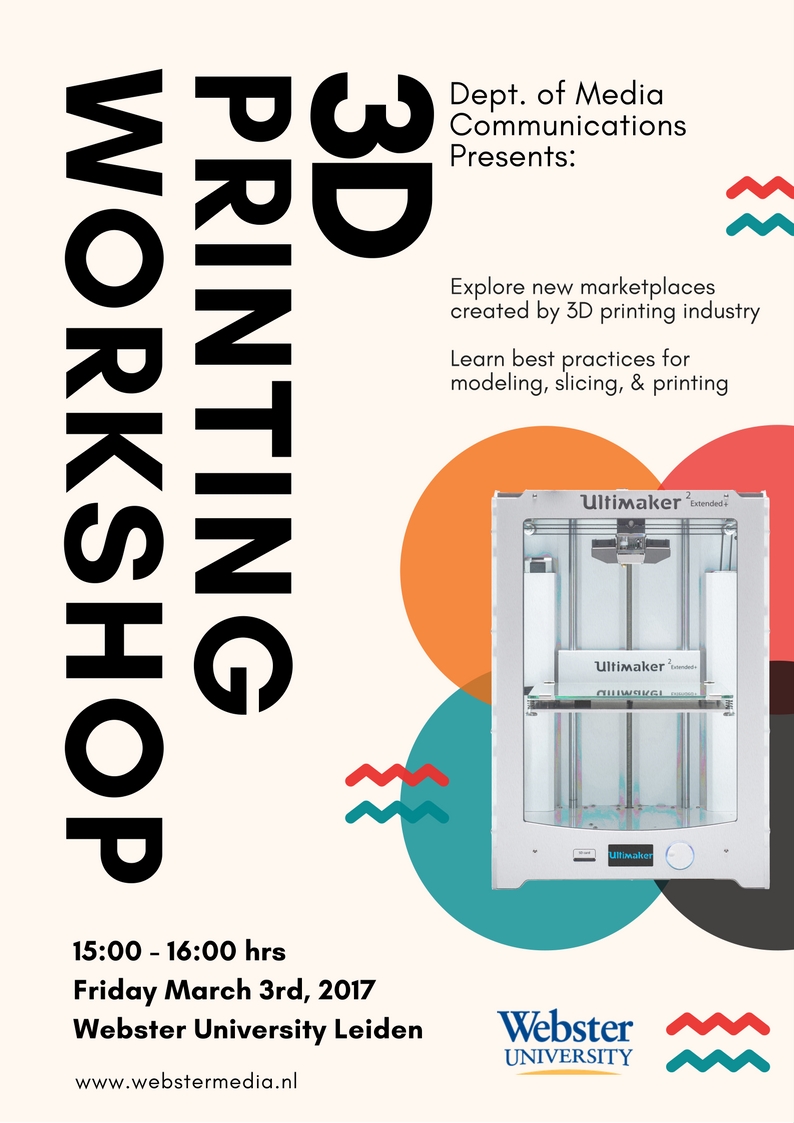
3D Printing Workshop
On Friday March 3rd, 2017 I co-hosted a workshop for 3D Printing. This particular workshop was focused on the introduction to 3D printing, learning the origins, and the current economic and educational implications. We also discussed the best practices for learning to model 3D objects for print, slicing, and of course the fun part, printing.
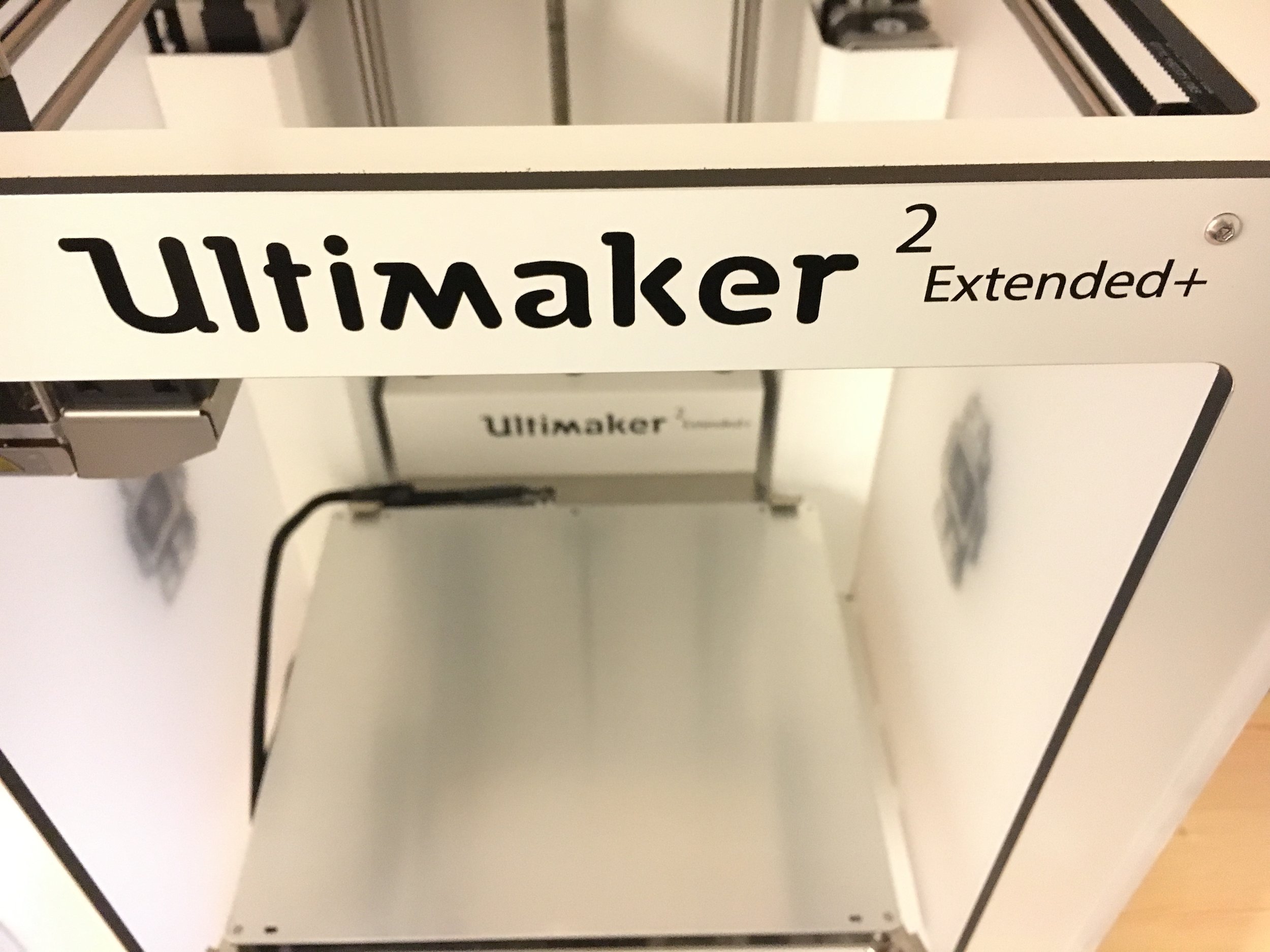
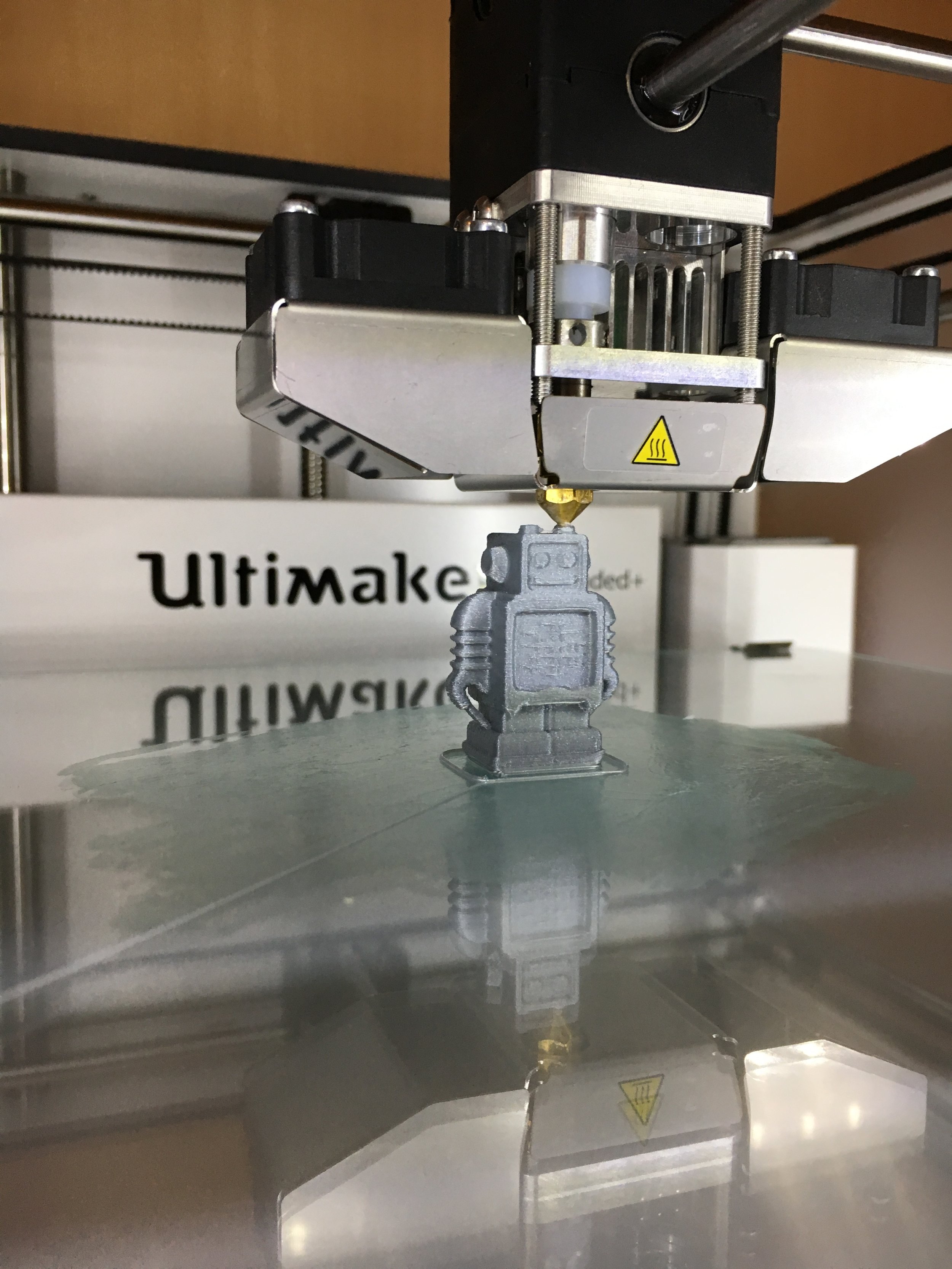
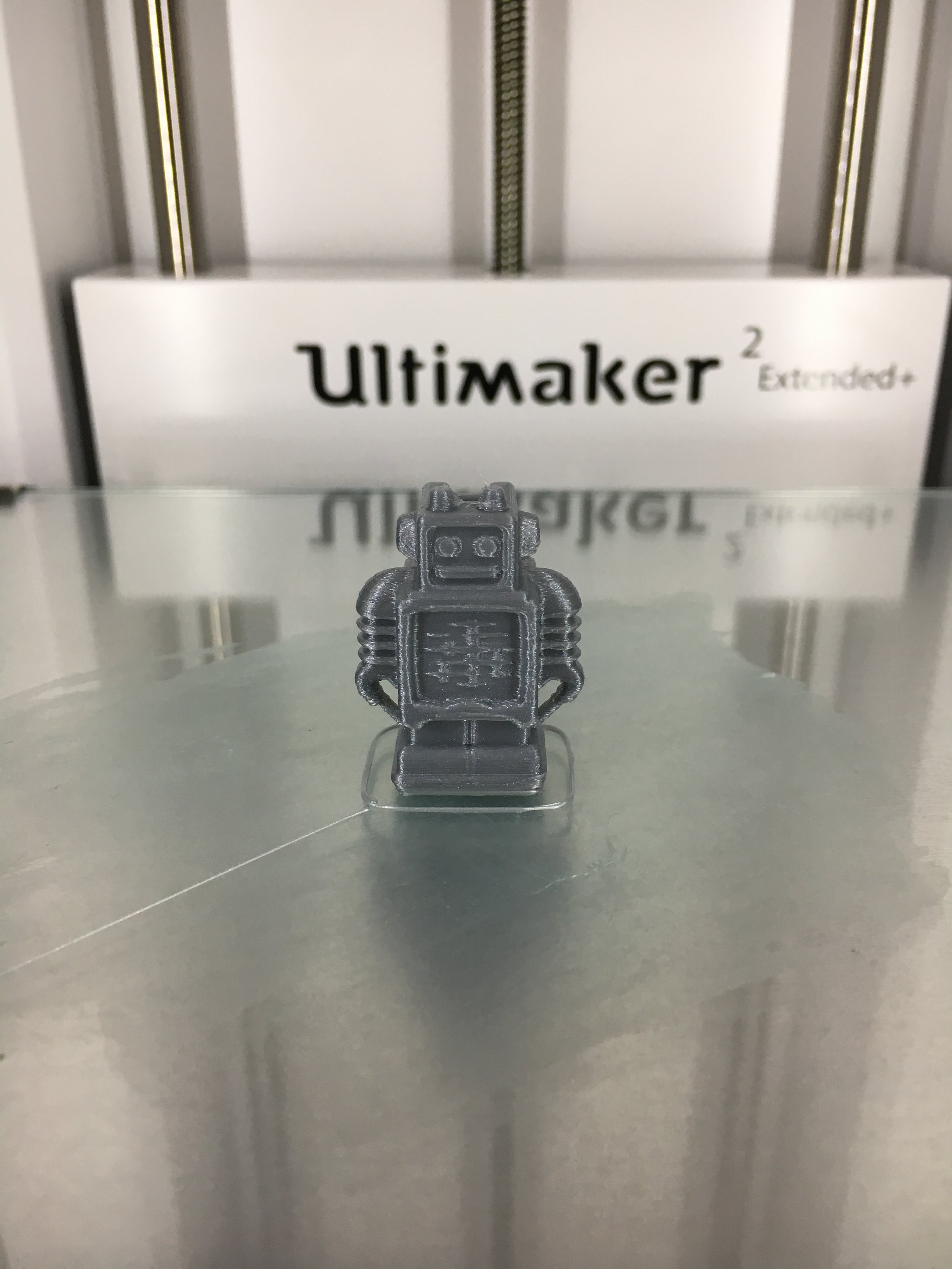
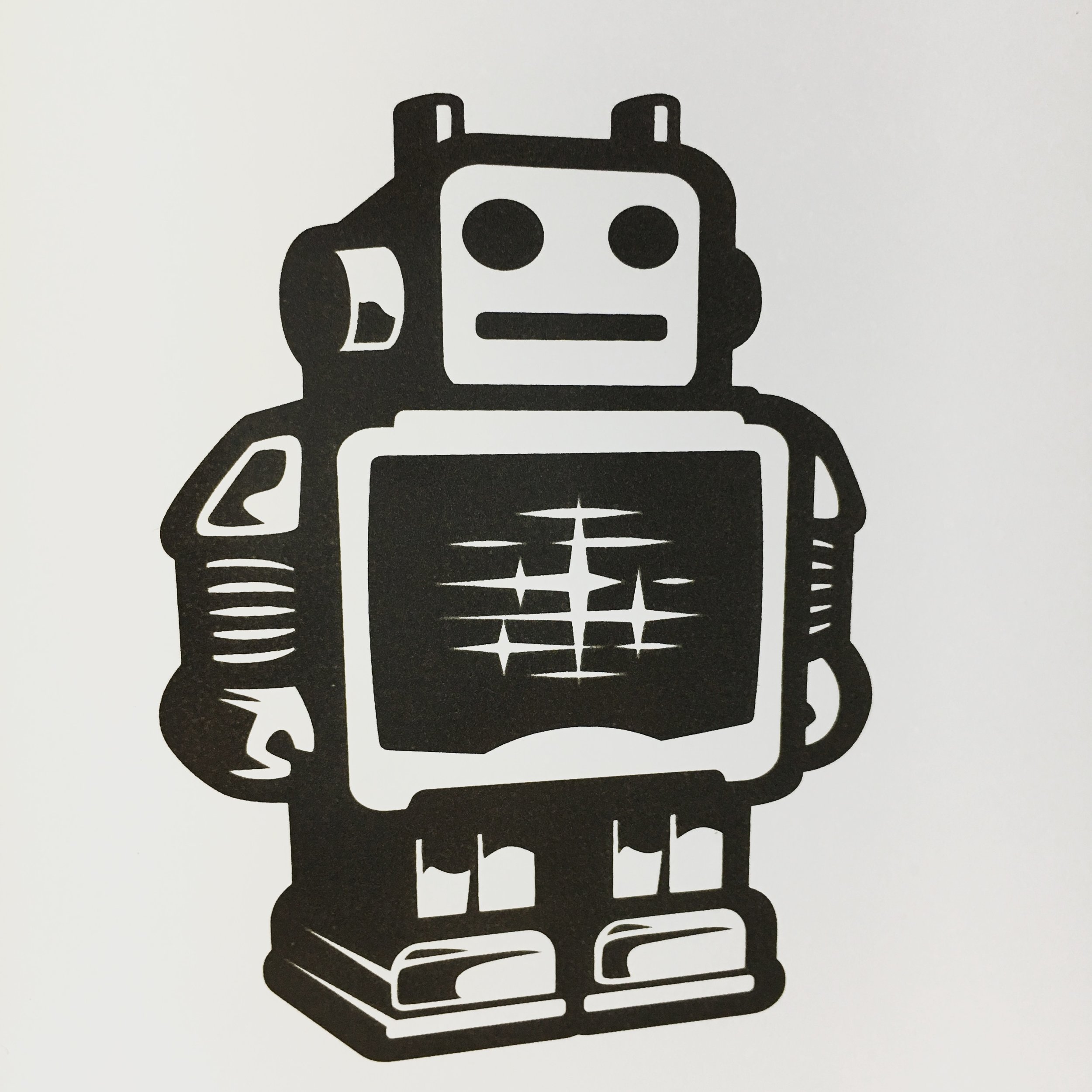
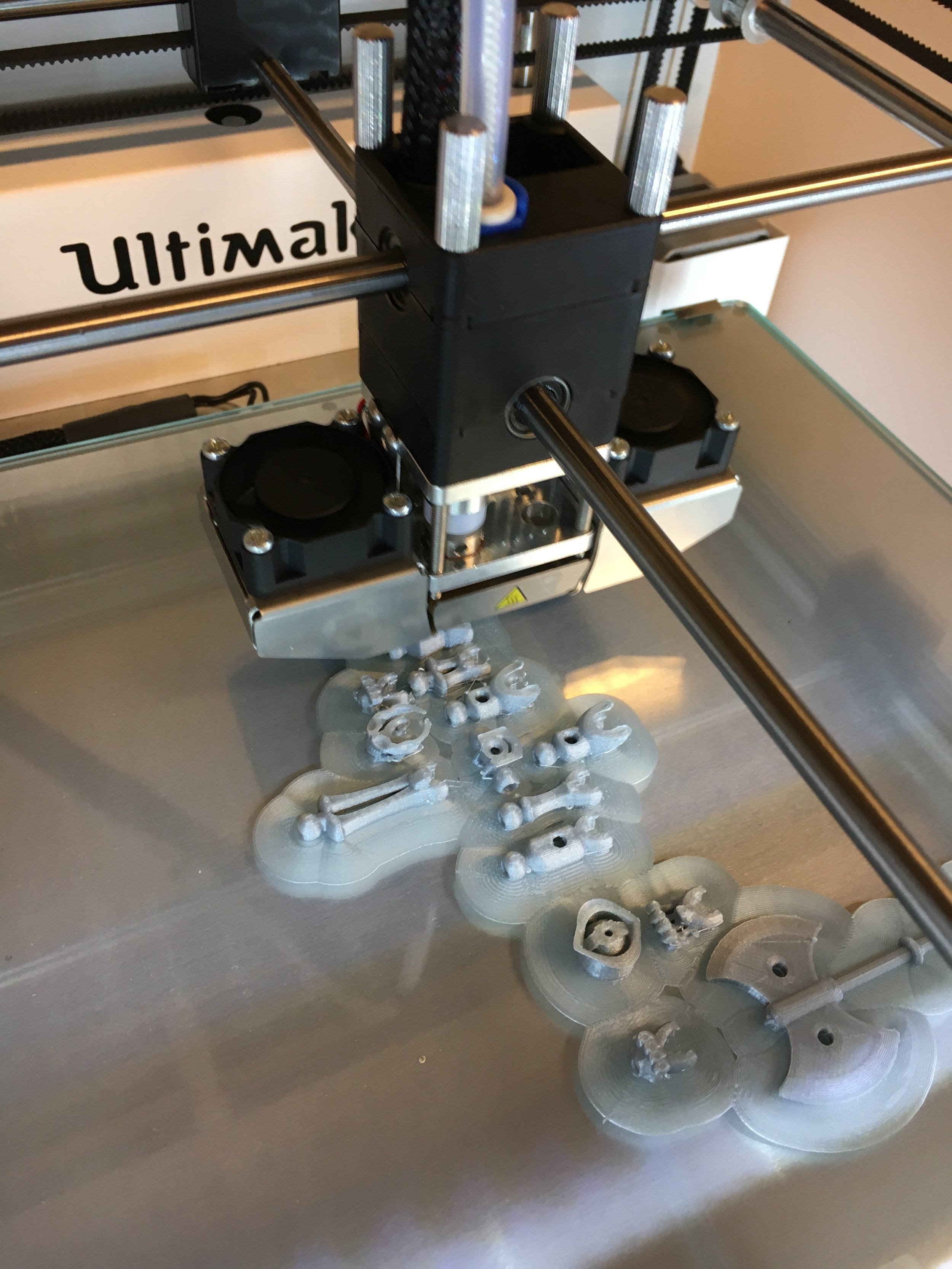
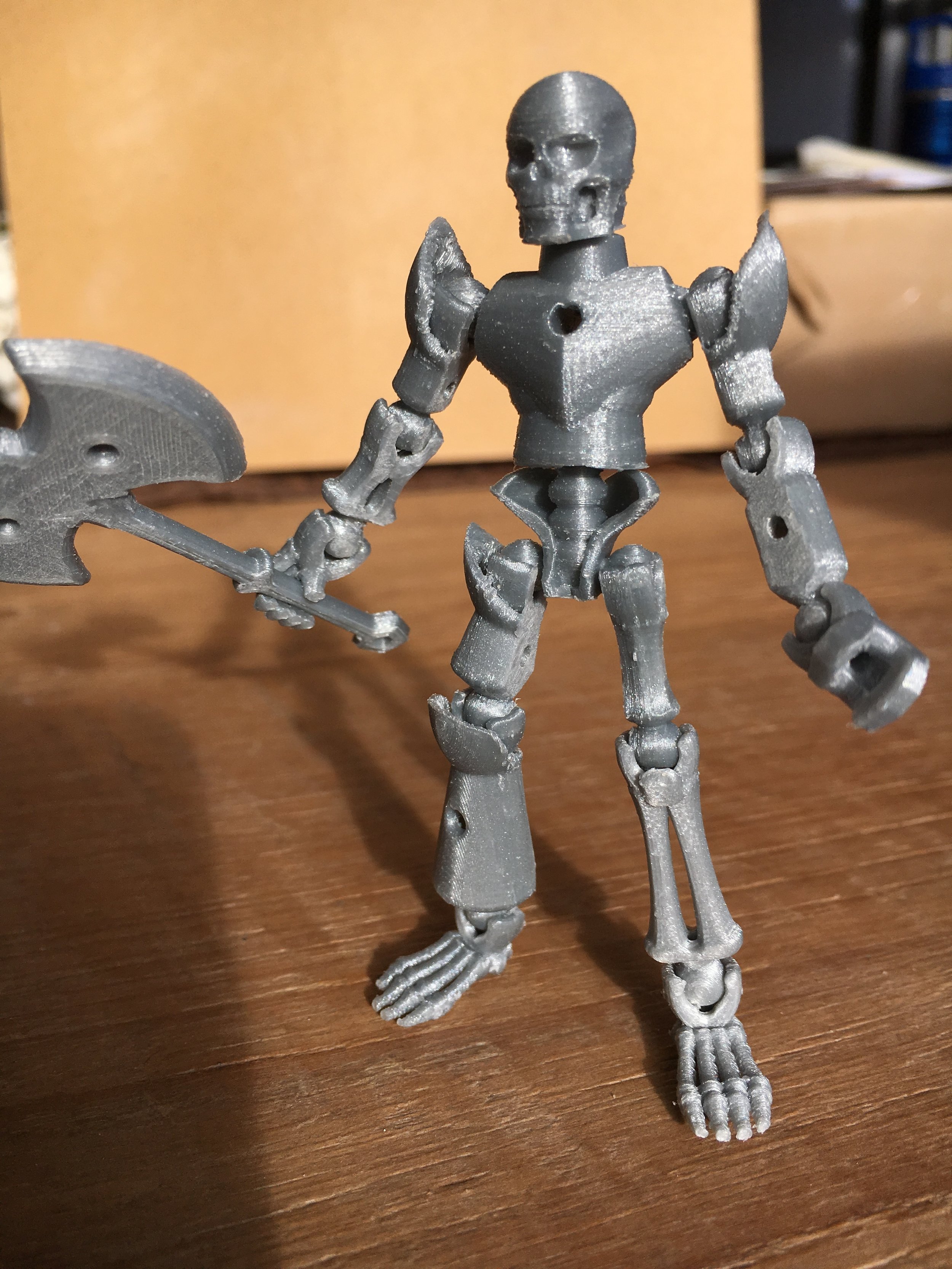
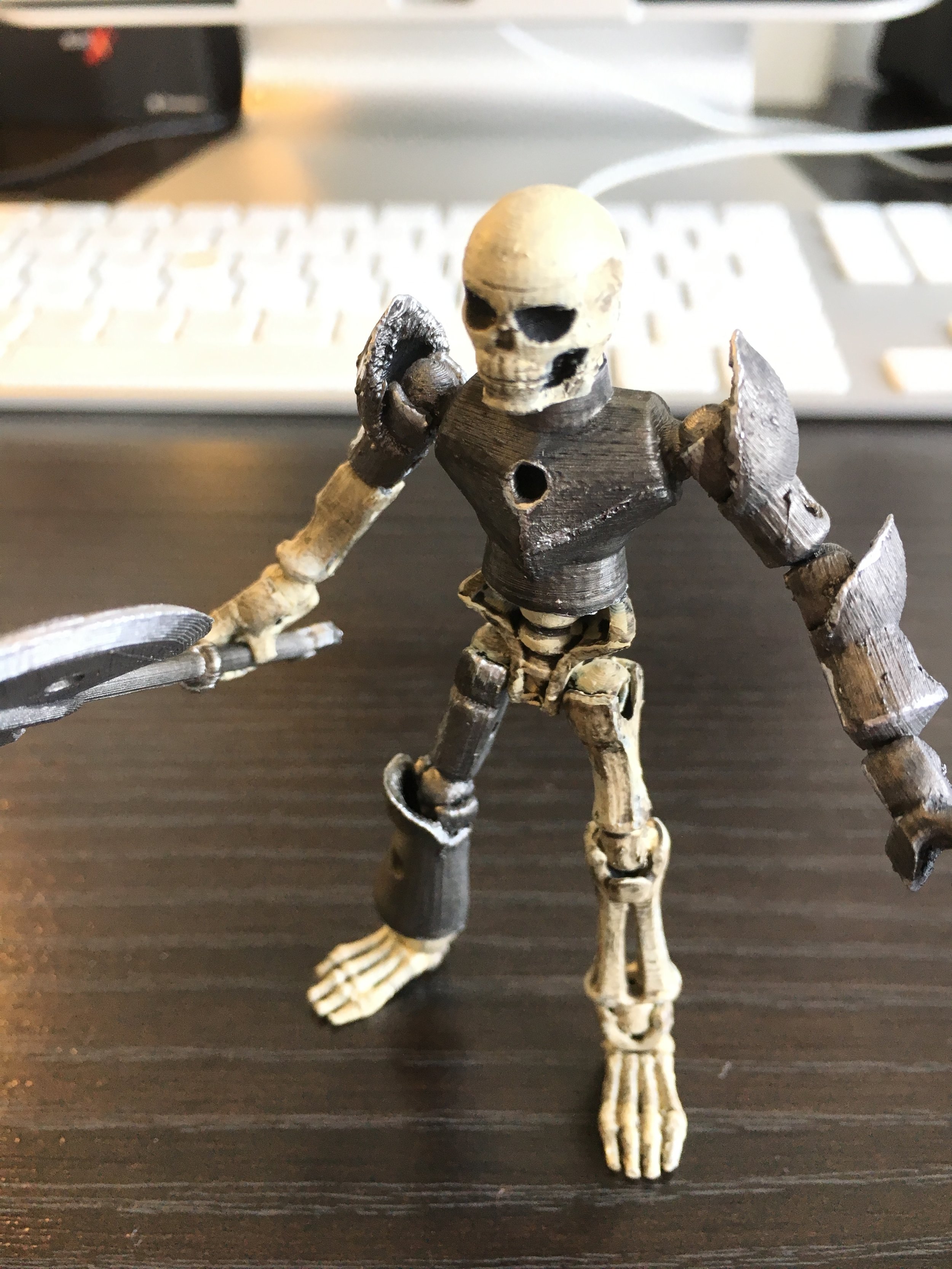
Below are a few images from a couple of the prints. One print (the skeleton figure) was printed, cleaned, and then painted.
Workshop Resources
The workshop was split into 3 sections [3D modeling in software, preparing prints, and physical printing]. We have been working with the Ultimaker 3D printers and have found their online resources to be incredibly helpful for the entire process of 3D printing. https://ultimaker.com/en/resources.
3D Modeling
To kick things off from a beginners perspective we focused on the use of free open browser-based 3D modeling suit TinkerCAD. TinkerCAD is a great online source for learning the fundamentals of 3D modeling and best of all, its browser based, so no expensive software is needed. After just a few minutes of their tutorials you will be creating 3D objects (simple ones anyway) with ease.
Preparing prints
Since we are using an Ultimaker Extended+ 2 we introduced a 3D slicing application that is specific to our hardware called Cura. Cura is an open source 3D slicing application that allows you to import 3D Model files that are in the form of (*.stl, *.3mf, or *.obj) files. Once imported the Cura software allows you to further optimize your object for print by controlling the density (fill), resolution (fine detail), and other aspects like brim.
Physical printing
In this final section we walked through the startup, calibration procedures, and print surface preparation. We also discussed the filament selection (type of plastic to be used). We worked with the standard PLA material for its generalization of application and ease of use in the machine itself. Once we worked through the procedures we printed a small set of earnings as a live demonstration.
After we completed the formal portion of the workshop, attendee were encouraged to get their hands on the printer, material, examples, and to ask questions and print small objects if they desired. Overall, it was a great workshop with lots of excited and enthusiastic participants and we look forward to running more workshops that cover the next steps and getting deeper into the science and art of 3D printing.